
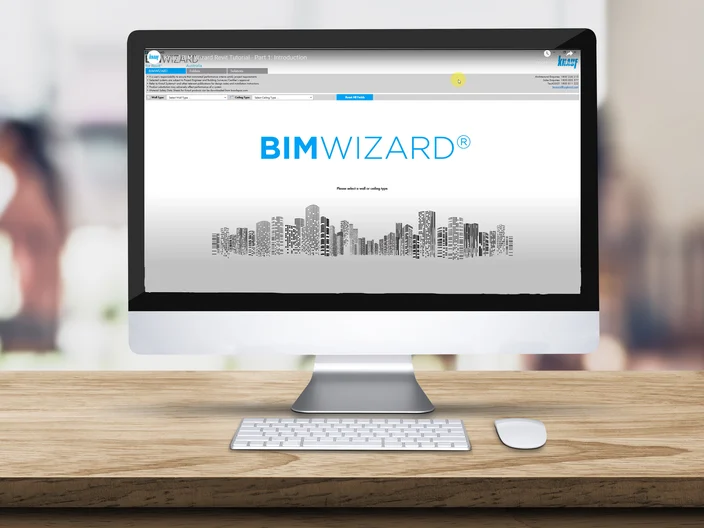
Streamline your design process with BIM WIZARD®
The BIM WIZARD® Add-in for Autodesk® Revit® and Graphisoft® ArchiCAD® is a tool that streamlines the process of selecting, designing, and creating the correct Knauf wall or ceiling system for your project requirements. It provides recommendations based on your specifications and seamlessly integrates your selection into the family/ composite library without leaving the BIM environment.
With key features for efficient project management, you can save systems to selected folders and use segment-based recommendations to streamline your choices, and easily integrate your preferred standards with the custom family type/ composite naming tool. Additionally, features like material replacement tool can facilitate the use of your own materials, while new search filters help you find what you need quickly.
How Does It Improve Your Workflow?
- An easy to use, intuitive interface
- Access to 100,000 Knauf data-rich models representing our full product catalogue
- Ability to sort by system performance, product attributes and physical dimensions
- Save hours of design time by using our pre-qualified design solutions
- Automatically self-updates to ensure you have Knauf’s latest database
- All content compliant with Australia New Zealand Revit Standards (ANZRS)
- Compatible with Revit 2020-2025 and ArchiCAD 22-25
- Knauf custom schedules make documentation easy
READY TO USE BIM WIZARD®?



BIM WIZARD® Tutorial Videos
How to get the most out of BIM WIZARD® for your project.
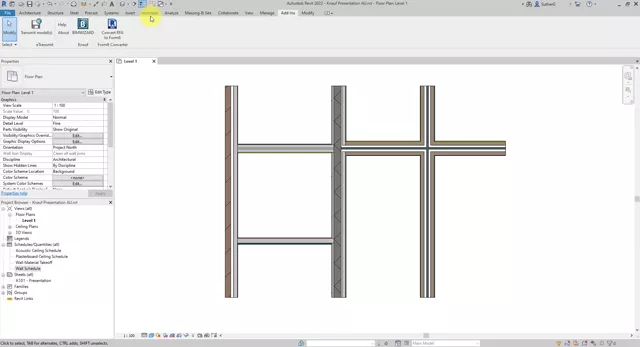
Knauf BIM Wizard Introductory Video for Revit
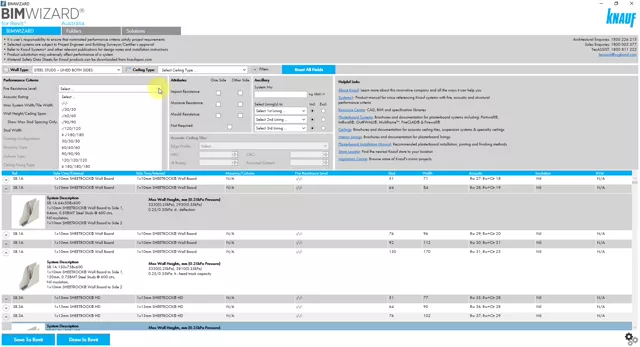
Knauf BIM Wizard Tutorial Video for Using Filters In REVIT
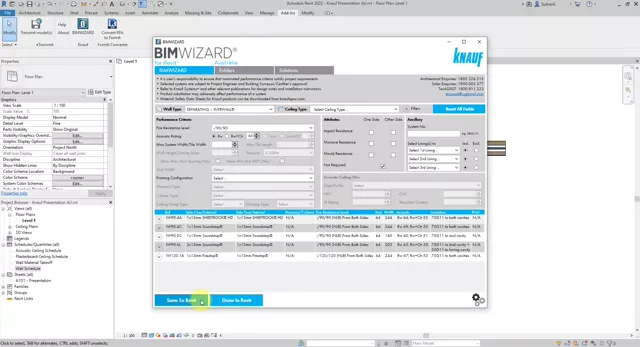
Knauf BIM Wizard Tutorial Video for Savings Systems In REVIT
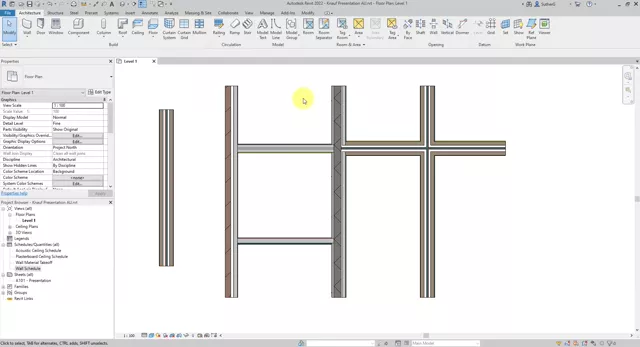
Knauf BIM Wizard tutorial video for Materials for REVIT
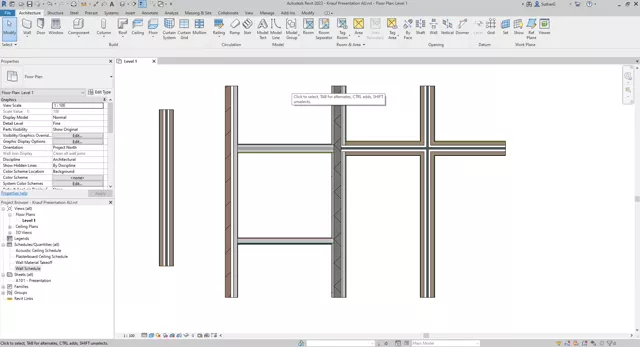
Knauf BIM Wizard Tutorial Video for Creating Schedules in REVIT
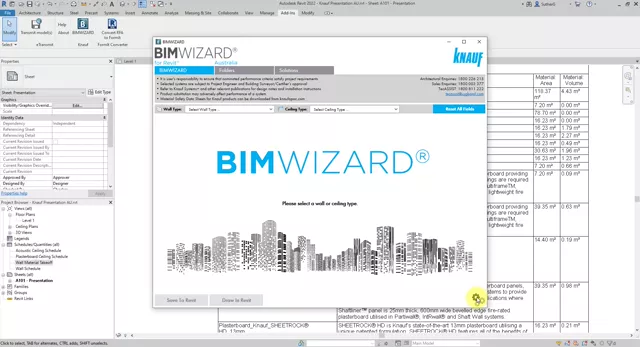
Knauf BIM Wizard Tutorial Video for Options and Customisations in Revit
- Our Entities
- Knauf Gypsum
- Knauf Insulation
- Resources
- Products
- Download Center
- Our Services
- Connect with Knauf
- Contact Us
- Blog
- Global Careers