
myKnauf
One platform to access our exclusive digital solutions.
- Ensure compliance with building safety regulations
- Explore plugins to enhance workflows
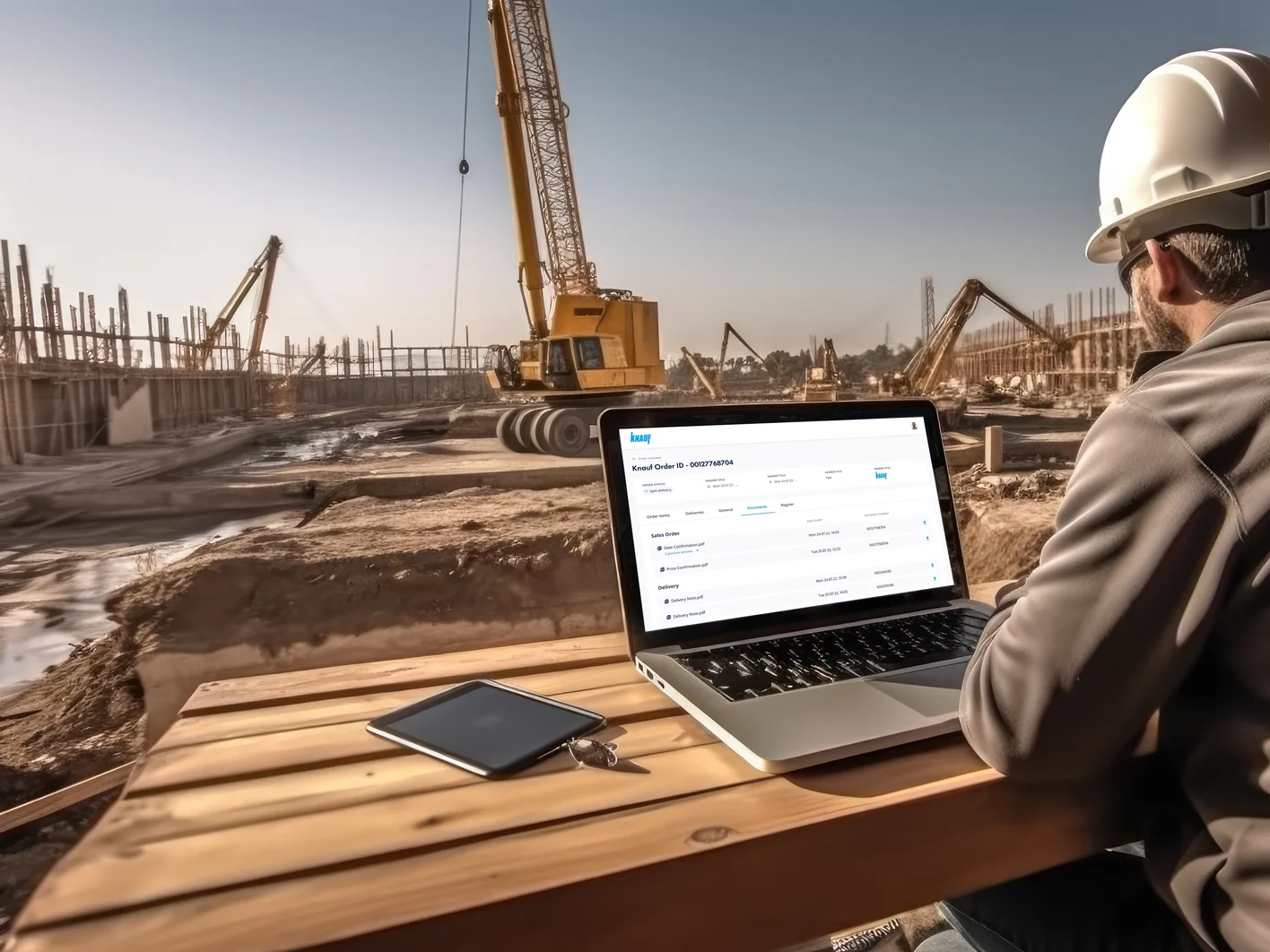
- Seamlessly view orders, monitor deliveries and retrieve delivery notes
Your Myknauf Benefits at a Glance
For Distributors | For Contractors | For Architects & Planners |
|---|---|---|
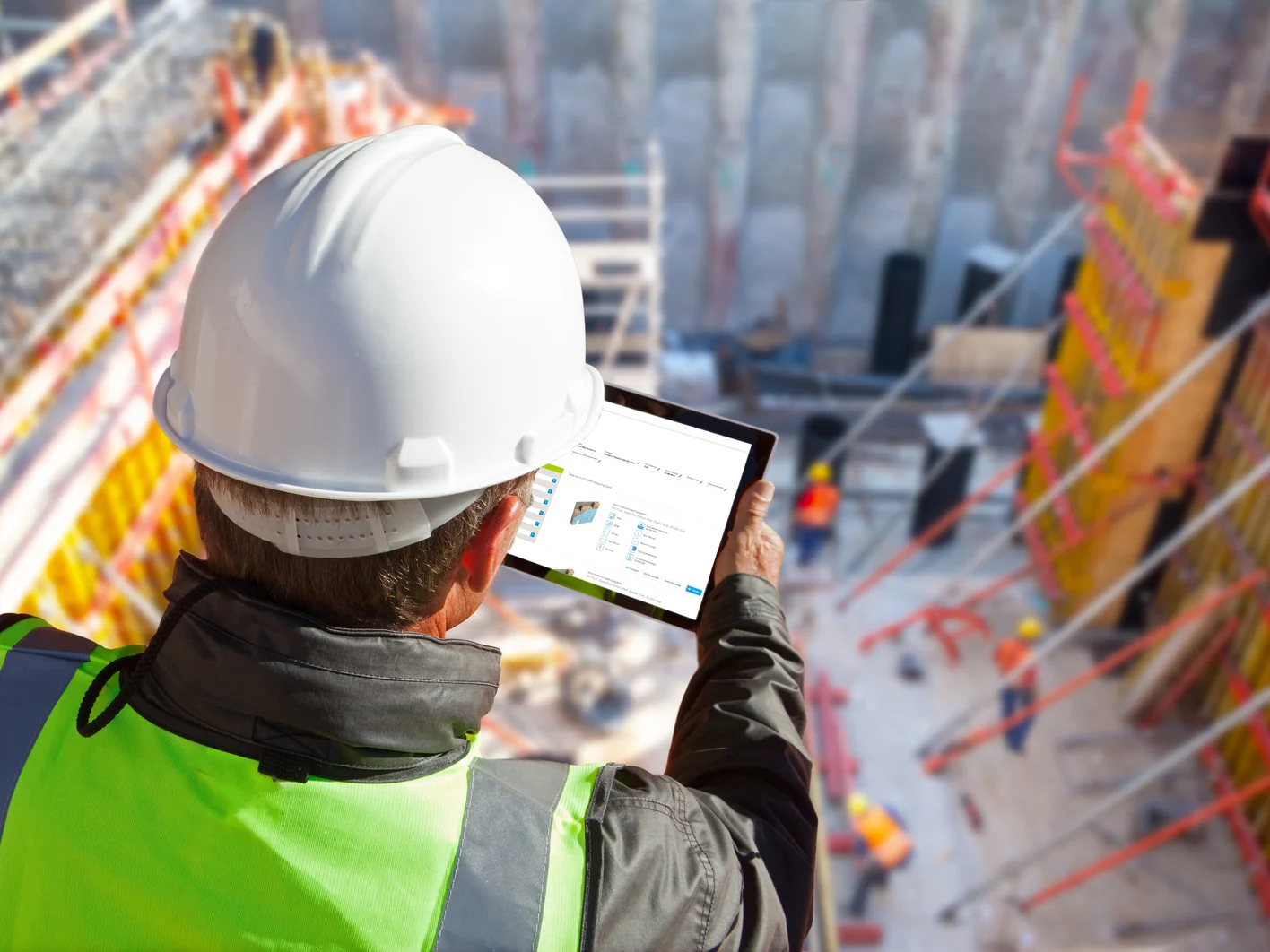
Knauf Gypsum order overview, including status, delivery date and documents | Quick system search including associated detail sheets, material lists and certificates | Simple system search and calculation complete with specification clauses |
Find, model and tender up-to-date Knauf products | Immediate data validation thanks to the Knauf plugin for Revit or ArchiCAD | |
Find, model and tender up-to-date Knauf products |
myKnauf Tools
Curious to explore more? Create a myKnauf account and unlock tools designed to elevate your construction projects to new heights. Start building better with myKnauf!
Frequently Asked Questions
You can create a new account by visiting our registration page. Please click this link to get started: https://account.knauf.com/en/register
You can change your password by navigating to Account > Security & Password and clicking the Reset My Password button.
On the login screen, enter your email address and click Next. On the next screen, you will see a Forgot Password? option. Click this link to begin the password reset process. We will then send a reset link to your email address.
Go to Account > Manage your account. From there, you can edit your name, email, country, language, and phone number and other personal details.
First, double-check that you're entering the correct email and password. If you've forgotten your password, use the Forgot Password? link on the login page. If the issue persists, contact our support team.
Try clearing your browser's cache and cookies. If that doesn't work, make sure your browser is up to date. You can also try using a different browser to see if the issue is specific to one.
You can delete your account by going to Account > Data & Privacy and clicking the Delete My Account button. After you enter the verification code sent to your email address, your account will be automatically deleted.
You can temporarily deactivate your account by going to Account > Data & Privacy and clicking the Deactivate My Account button. We will send a verification code to your email address to confirm.
Your account will remain deactivated for up to two years. If you log in again at any point within that two-year period, your account will be automatically reactivated. However, if your account remains inactive for the full two-year period, it will be permanently deleted.
You can add your company information or customer ID by navigating to the Account > Company & Customer ID page.
Your 8-digit customer ID is provided by your market representative. Please contact them directly for assistance.
No, you cannot change the email address associated with your account after it has been created. However, you are always welcome to sign up for a new account using your desired email address.
App availability can be dependent on your country and other personal details. Please make sure the Personal Details and Country in your profile settings are correct.
Searching for even more tools?
Explore a wide array of open-access tools to streamline tasks, allowing you to concentrate on what truly matters, complementing our exclusive myKnauf portal resources.